
Every appliance, from the truck to the doorstep.
Units sit unlogged for days. Prices live on sticky notes. Vendor refunds go unclaimed, stock walks out undelivered, and at the end of the month nobody can say which load actually made money.
- Every store
- in one view
- 6 roles
- each sees their part
- PDF, Excel, CSV
- reports out
Two minutes. The whole operation.
A load arriving, inspected, priced, sold and delivered, with the money accounted for at the end of it.
One item, one record, start to finish.
Follow a single unit from the truck to the customer. Every step below lands on the same record, so nothing has to be copied from one place to another.
- 01
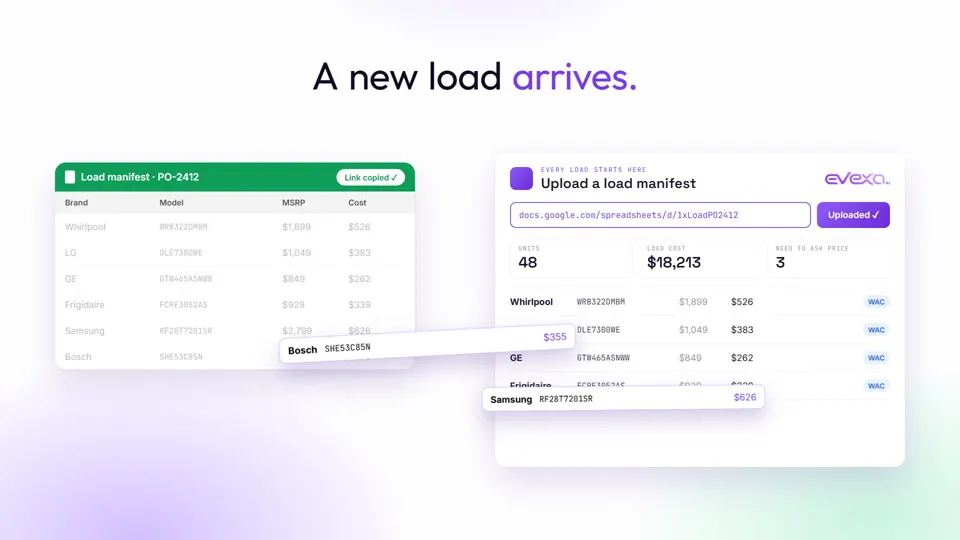
A new load arrives.
Upload the vendor manifest and every unit on it is in the system before the truck is unloaded. No retyping the PO.
- 02
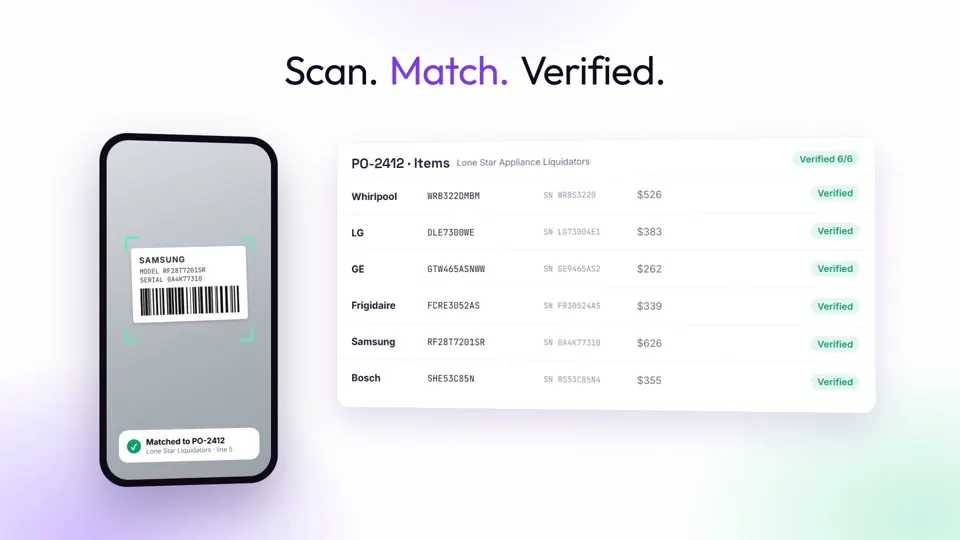
Scan. Match. Verified.
Scan each barcode with a phone and it is matched against the manifest, so a short or swapped unit shows up on the dock, not three weeks later.
- 03
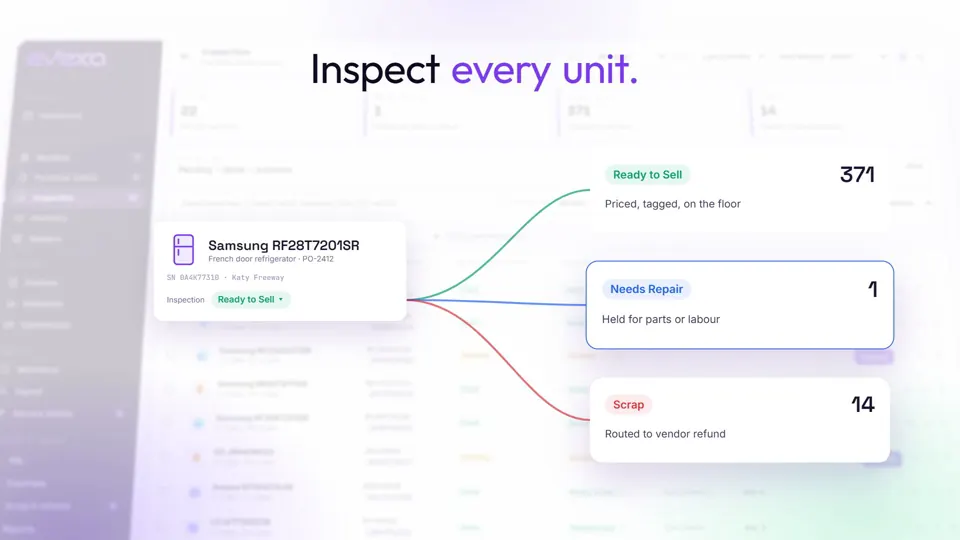
Inspect every unit.
Each unit is checked and routed in one step: ready to sell, needs repair, or scrap, with the notes and condition kept on its record.
- 04
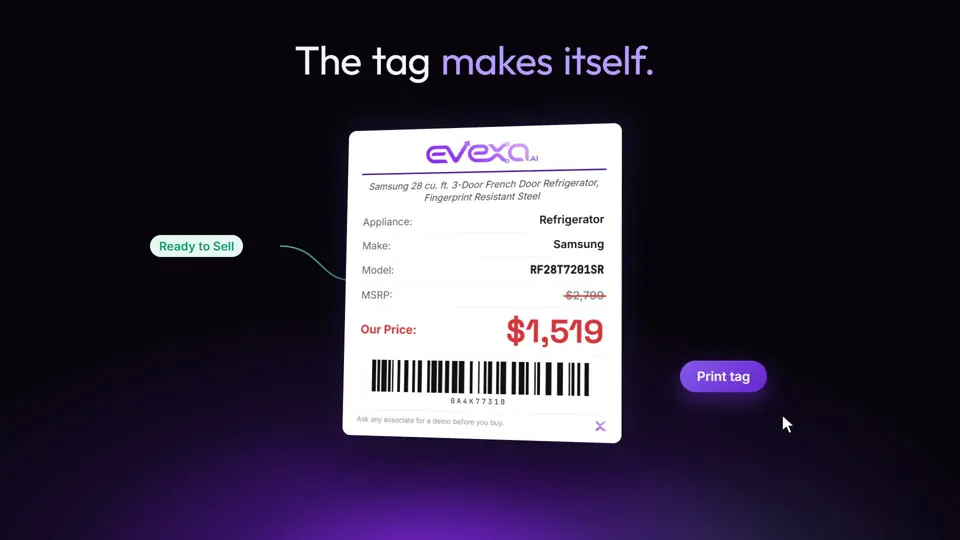
The tag makes itself.
The moment a unit is ready, its price, model and barcode go onto a printable tag. Nobody writes a price by hand.
- 05
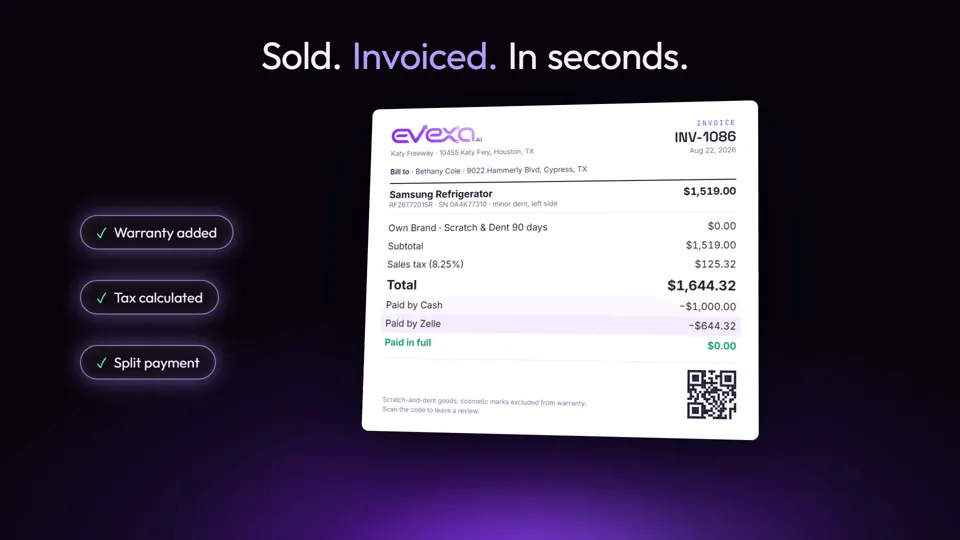
Sold. Invoiced. In seconds.
Warranty, sales tax and split payments are worked out on the invoice, and the invoice carries a QR code straight back to the unit.
- 06
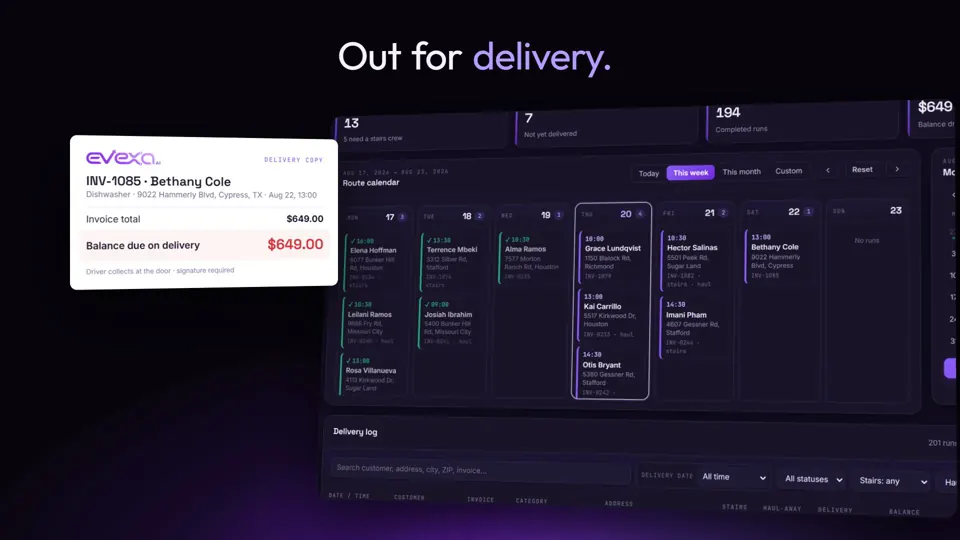
Out for delivery.
Deliveries go onto routes, and any balance still owed is in front of the driver at the door, so it is collected rather than chased.
- 07
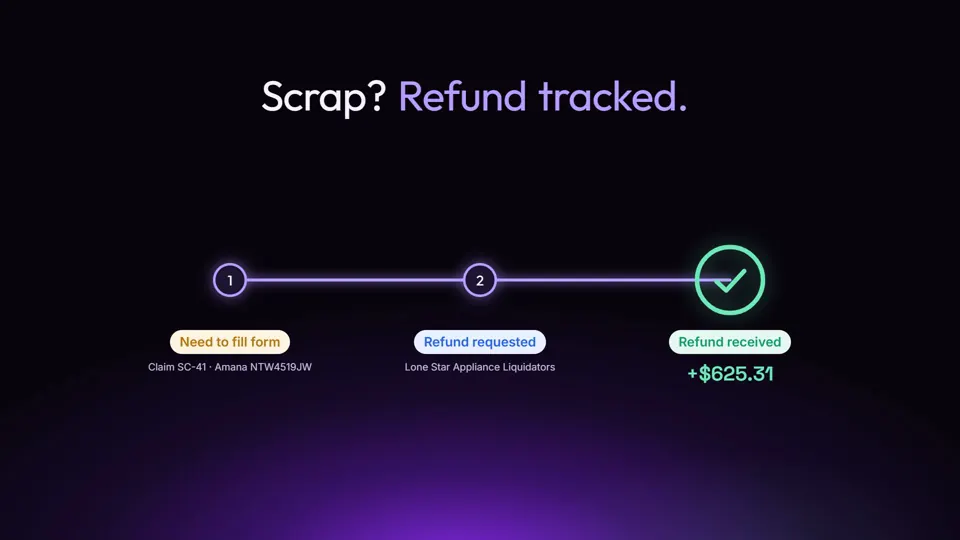
Scrap? Refund tracked.
A scrapped unit opens a claim with the vendor and is followed through to the refund landing. Money owed to you stops going missing.
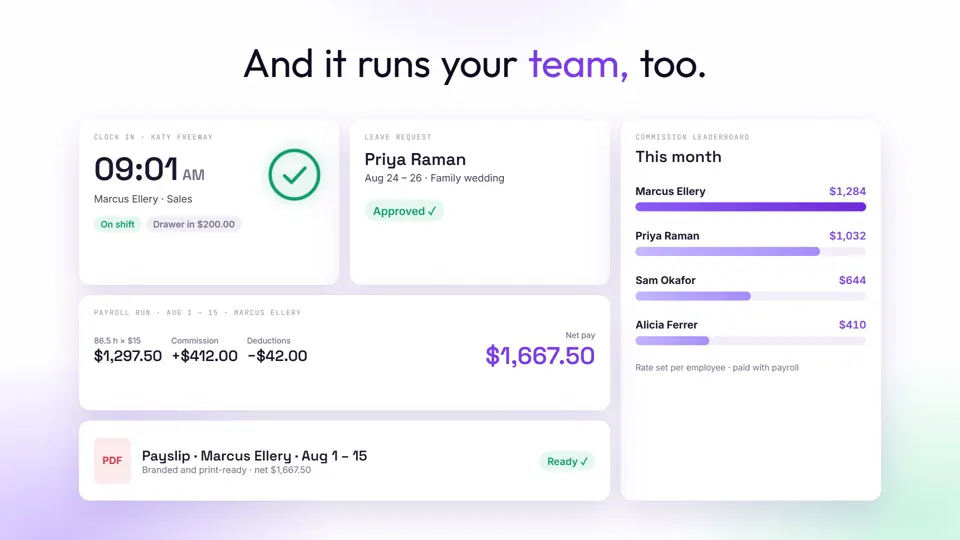
And it runs your team, too.
- Clock in and out, with hours that flow straight into pay
- Time-off requests, approved in a tap
- Commission on every sale, with a live leaderboard
- Payroll and payslips, worked out from the hours
Everyone sees their part
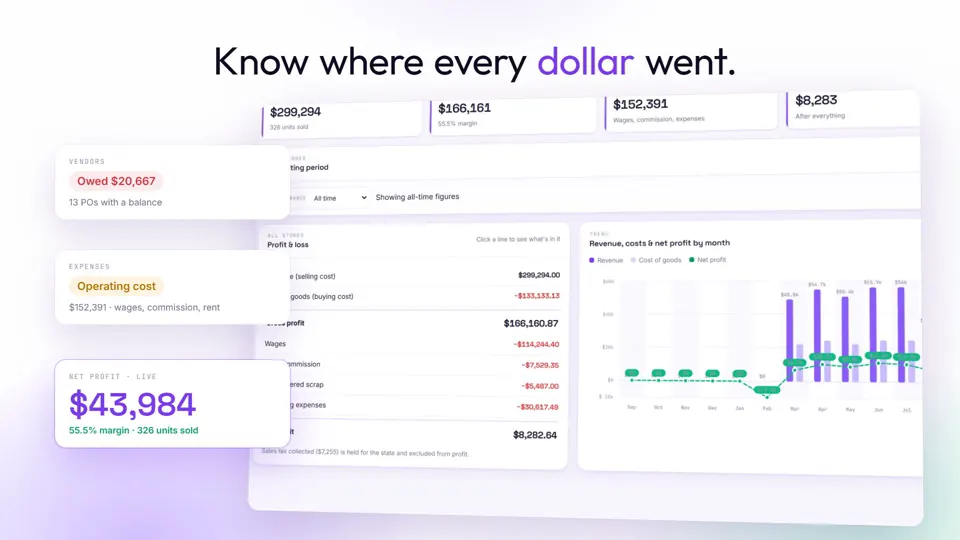
Know where every dollar went.
- Live P&L, by store and by month
- Expenses and operating costs, kept against the profit they eat
- Sales tax collected, ready for filing
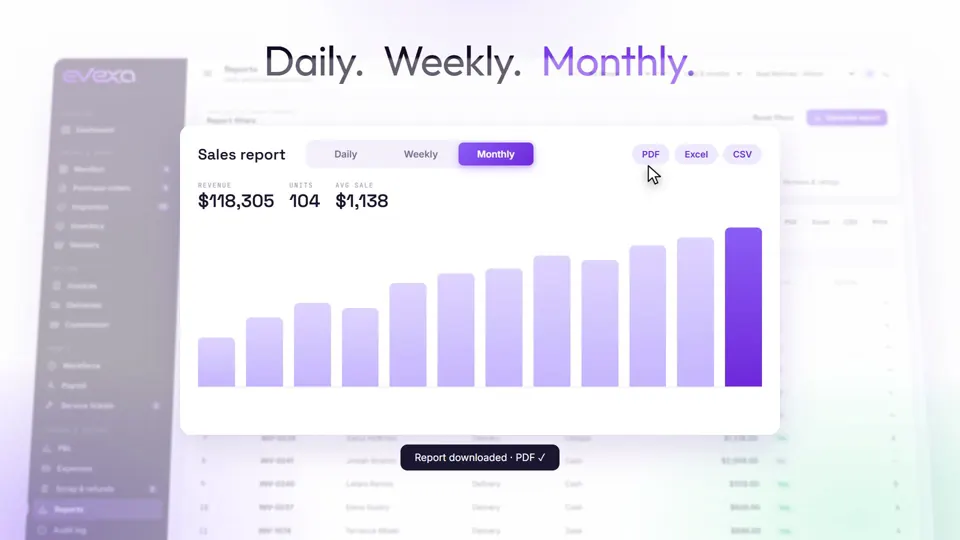
- Daily, weekly and monthly reports, out to PDF, Excel or CSV
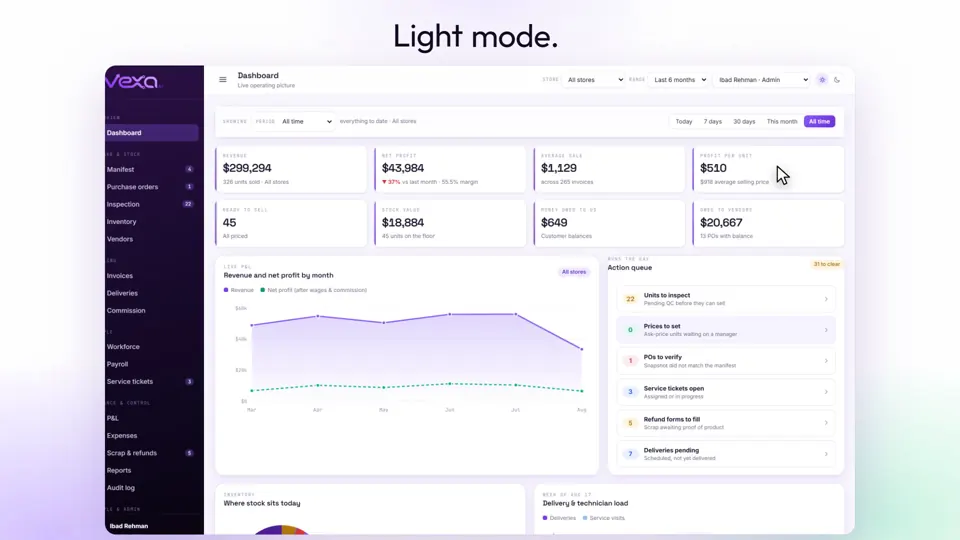
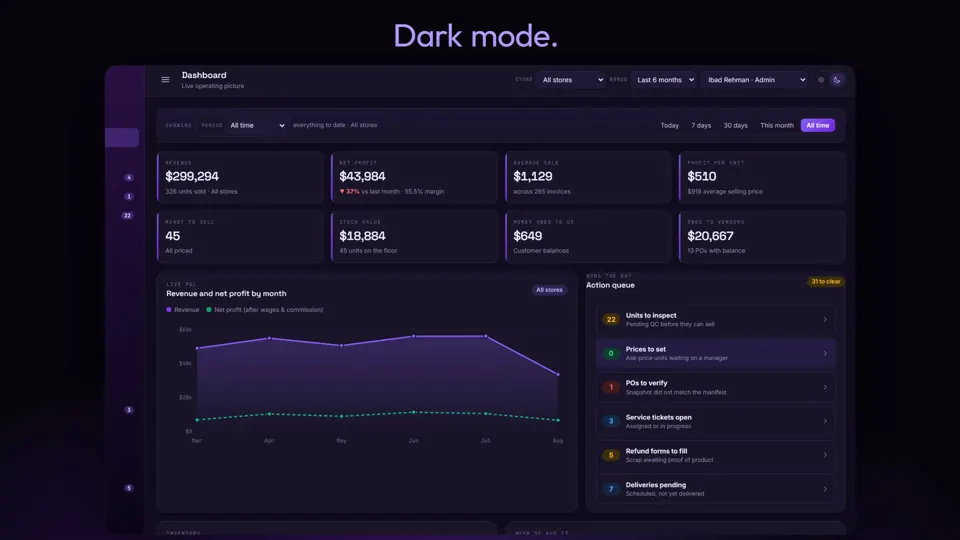
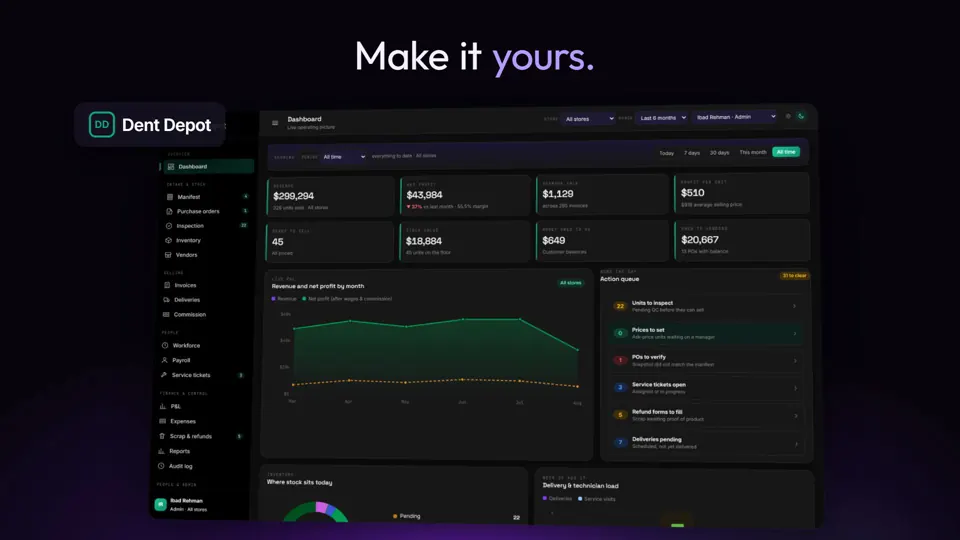
Your name. Your colours. Light or dark.
It carries your brand, not ours, so your team works in a system that looks like the business they work for.
One system.Every store. Every unit.
Open the live CRM and click around. It is loaded with sample stock, and nothing you do in it is saved, so try anything.